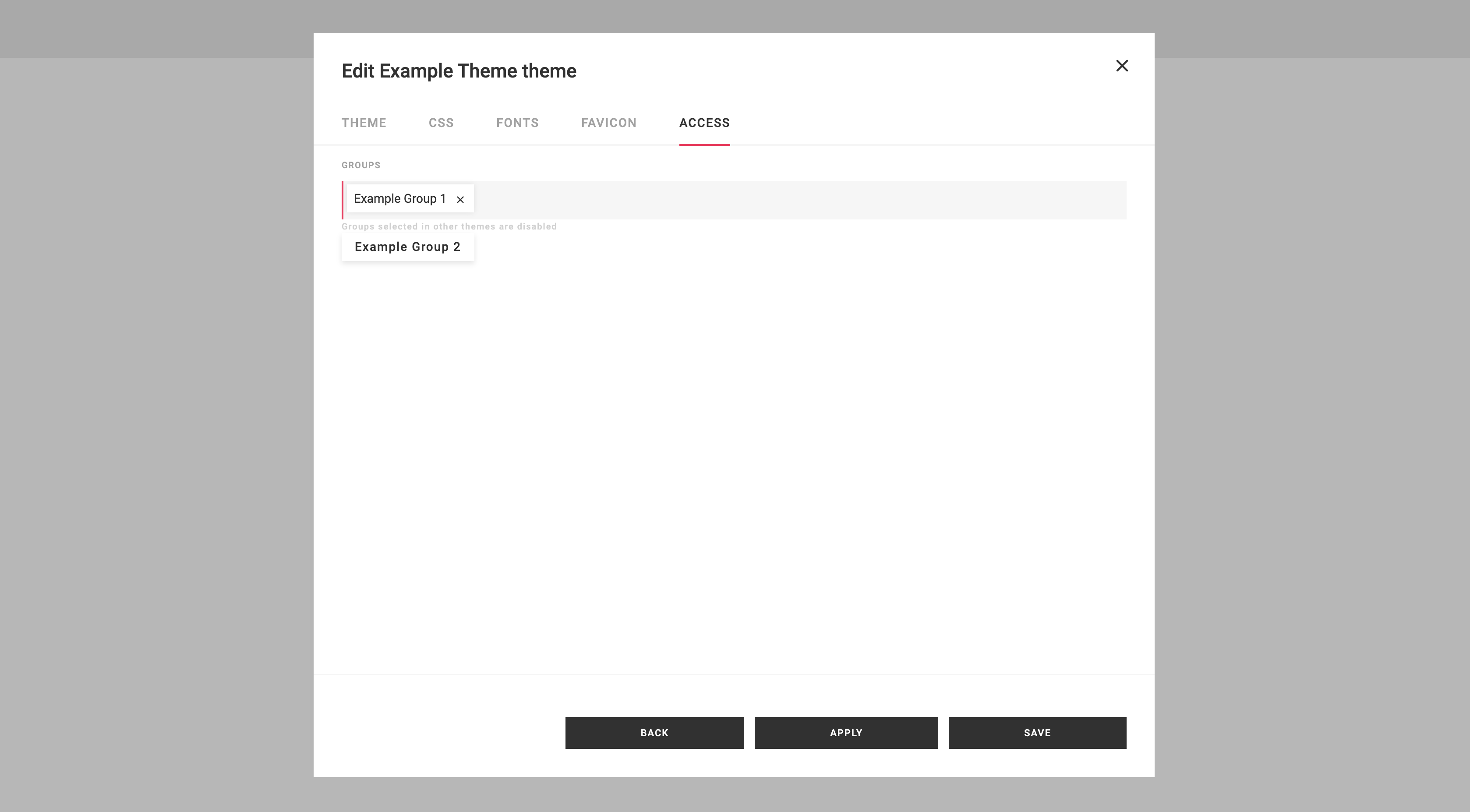
Theme Access Control
The Portal offers granular control over user access to specific themes. A theme without any assigned group will be accessible to all users. However, if a theme is associated with a particular group, it will only be visible and applied by default to users belonging to that group.
For instance, if a theme is linked to Example Group 1, it will be available and applied by default to users with Example Group 1 assigned to their account. In cases where a user is a member of multiple groups, the theme associated with the first group alphabetically will be applied by default.