Add a Tableau Dashboard to Portal
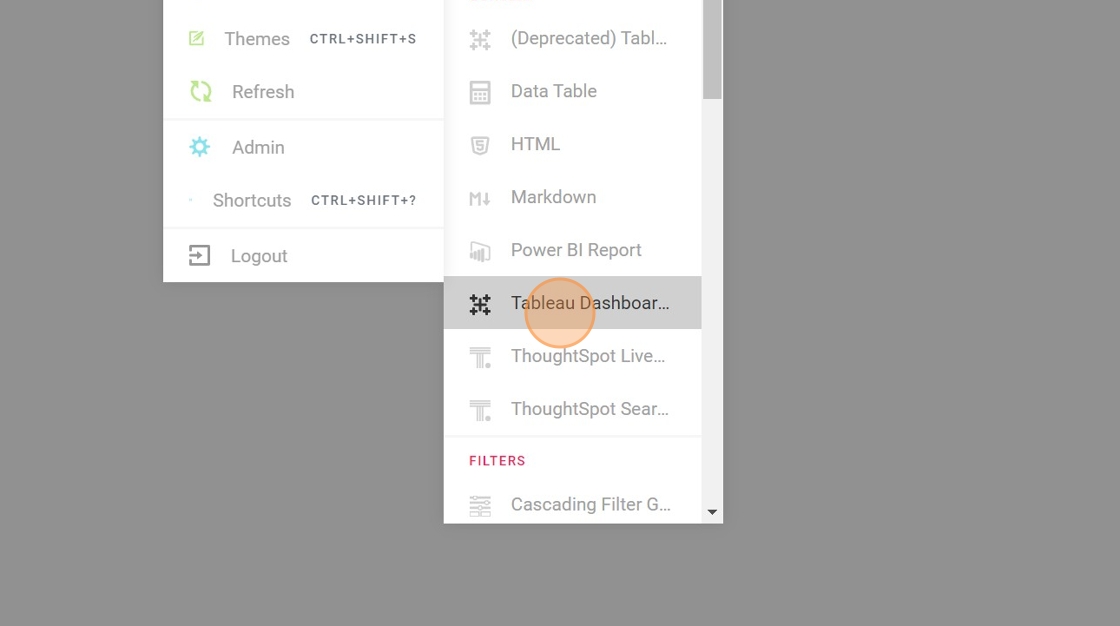
- Open the editor Menu and Add a New Block - "Tableau Dashboard"
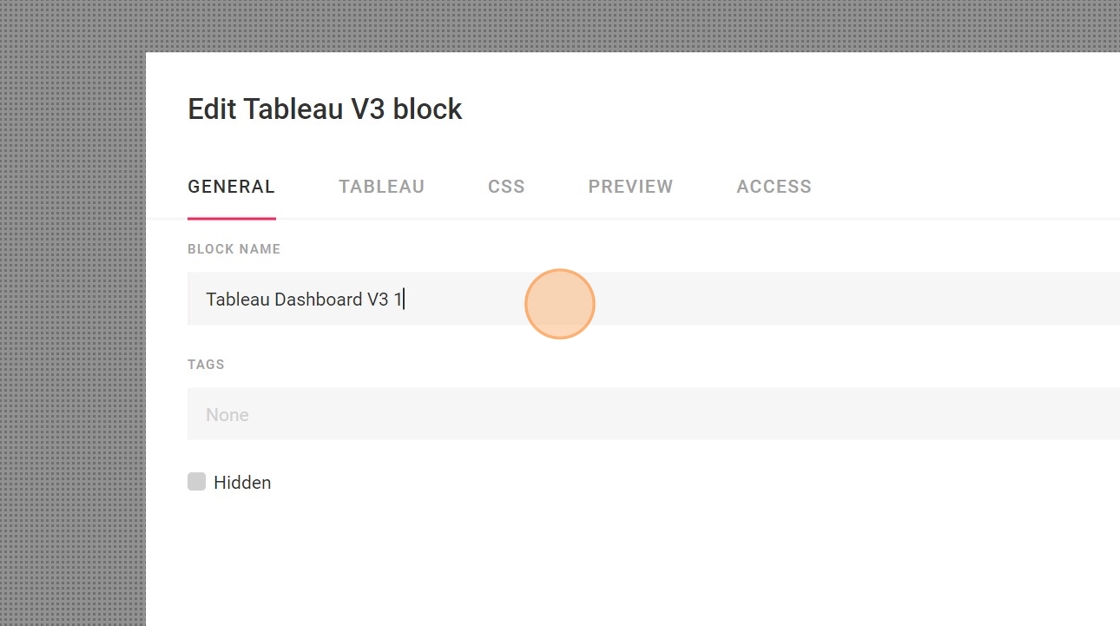
- Name your Block
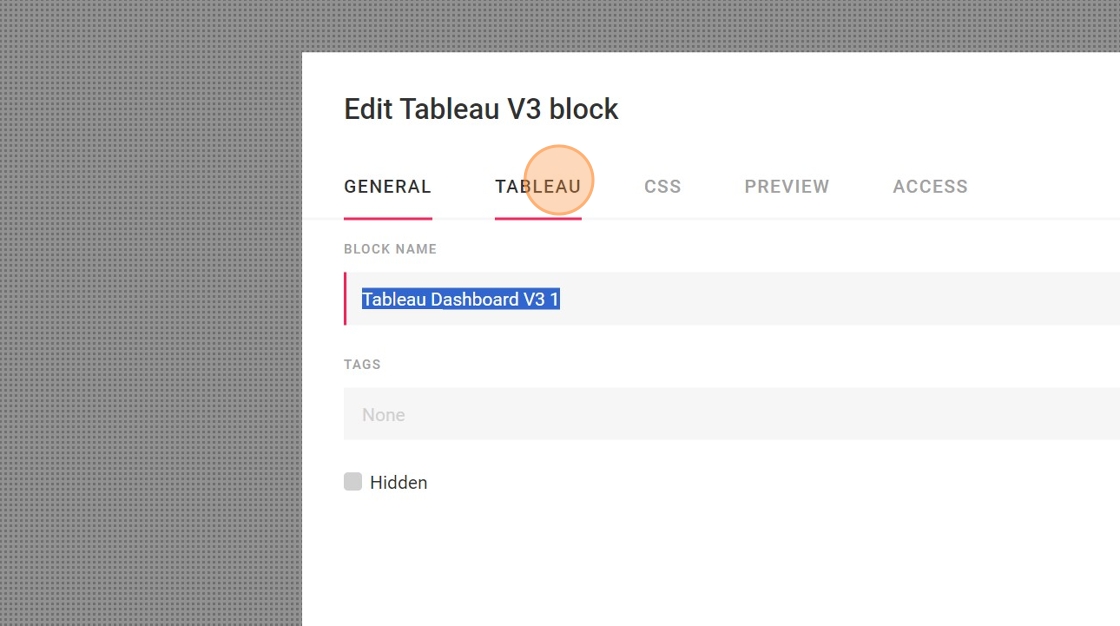
- Click "TABLEAU"
-
Navigate to your instance of tableau and Login
-
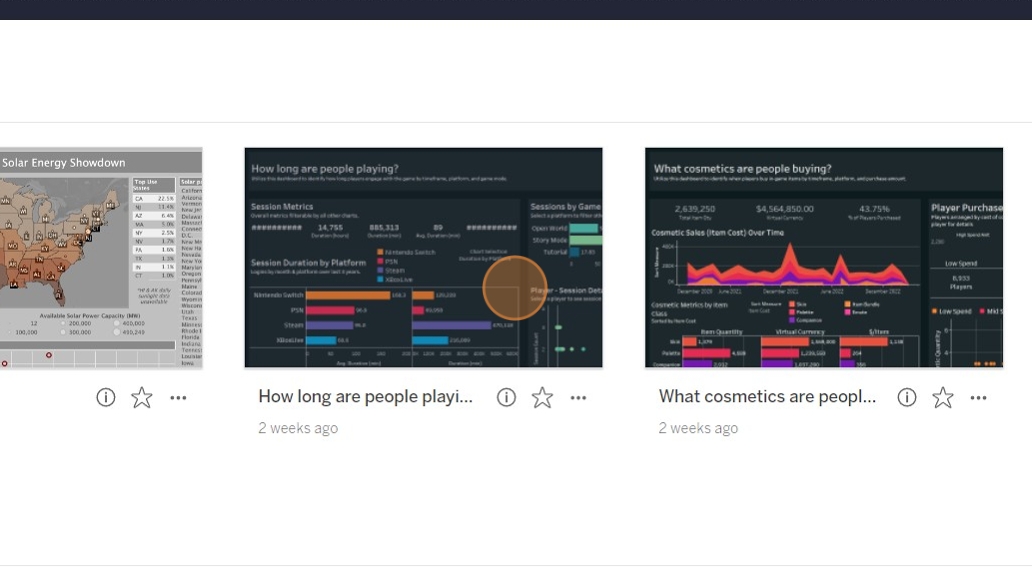
Select which Dashboard you would like to embed
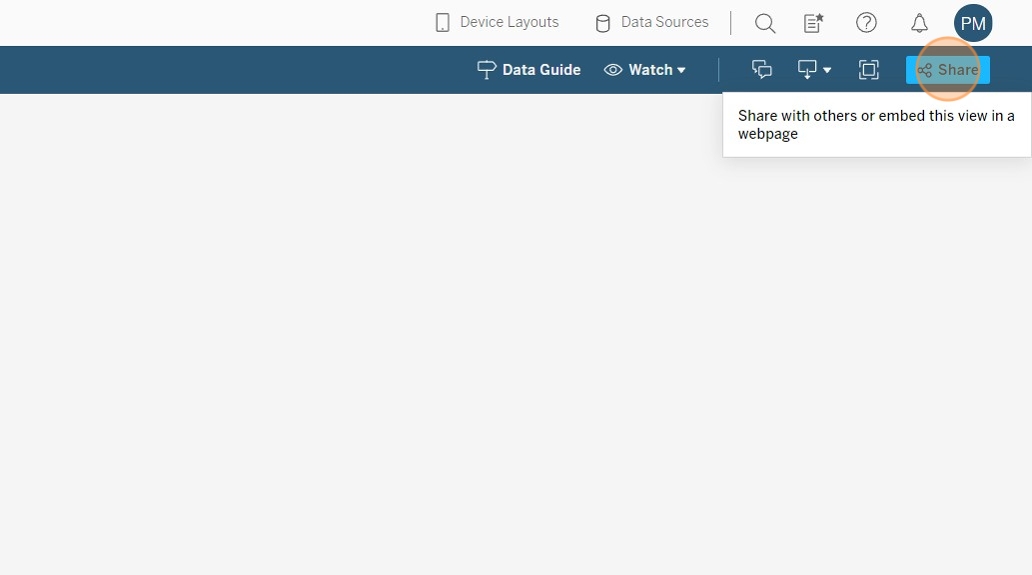
- Click "Share" in the top right corner
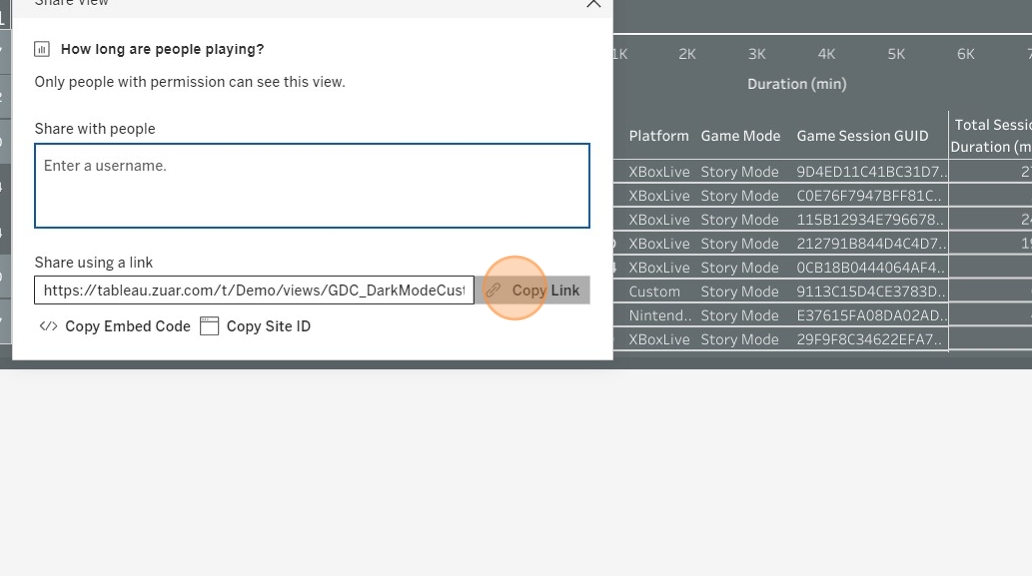
- Click "Copy Link" for the Share URL which you will then paste into portal
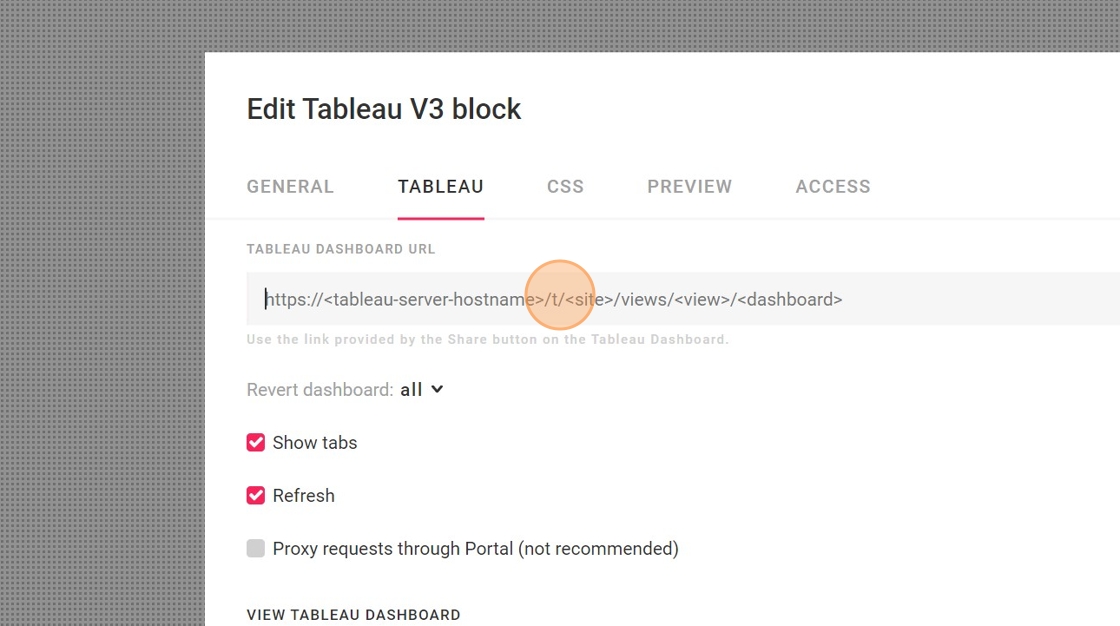
- Click the "Tableau Dashboard URL" field.
-
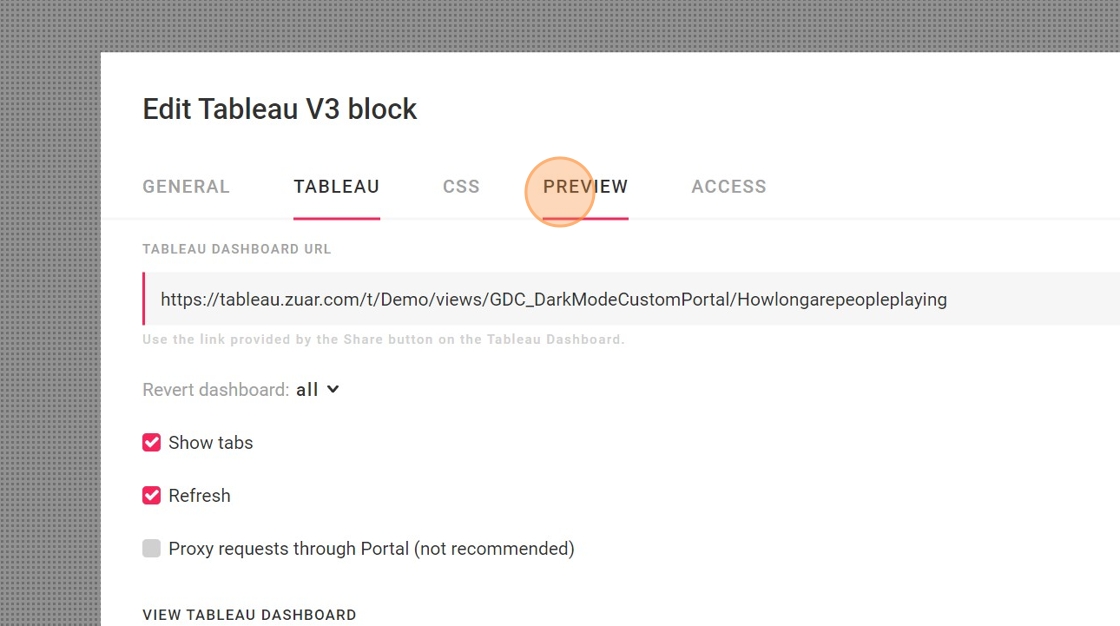
Paste in the URL of the dashboard you are embedding
-
Click "PREVIEW" to ensure the link was copied correctly and the Tableau Dashboard renders.
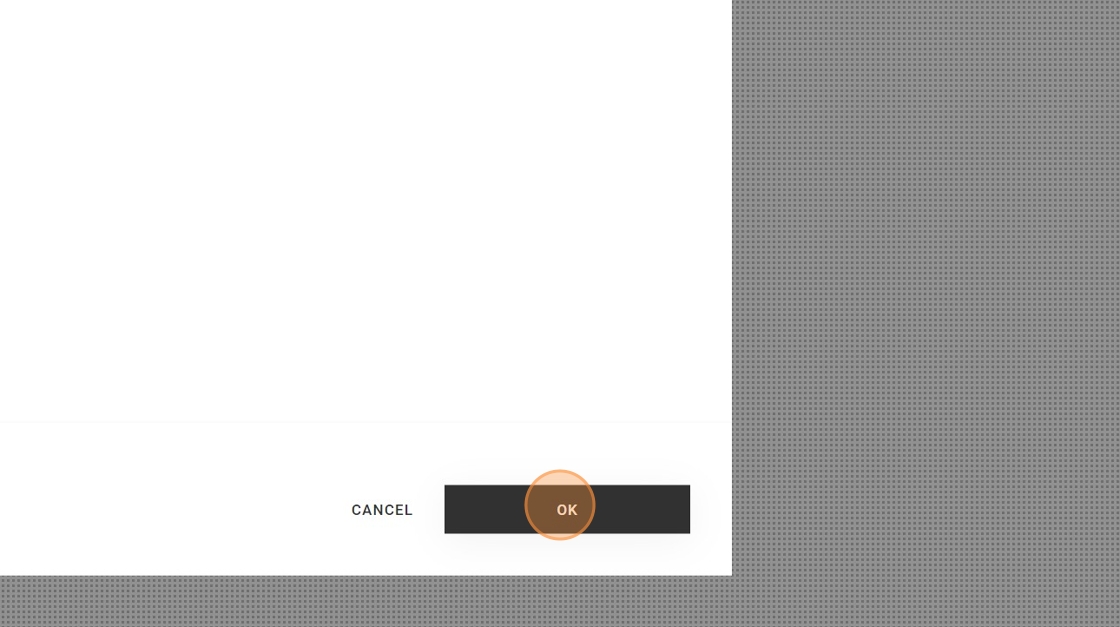
- Click "OK" to lock in your changes
- Resize your block as needed
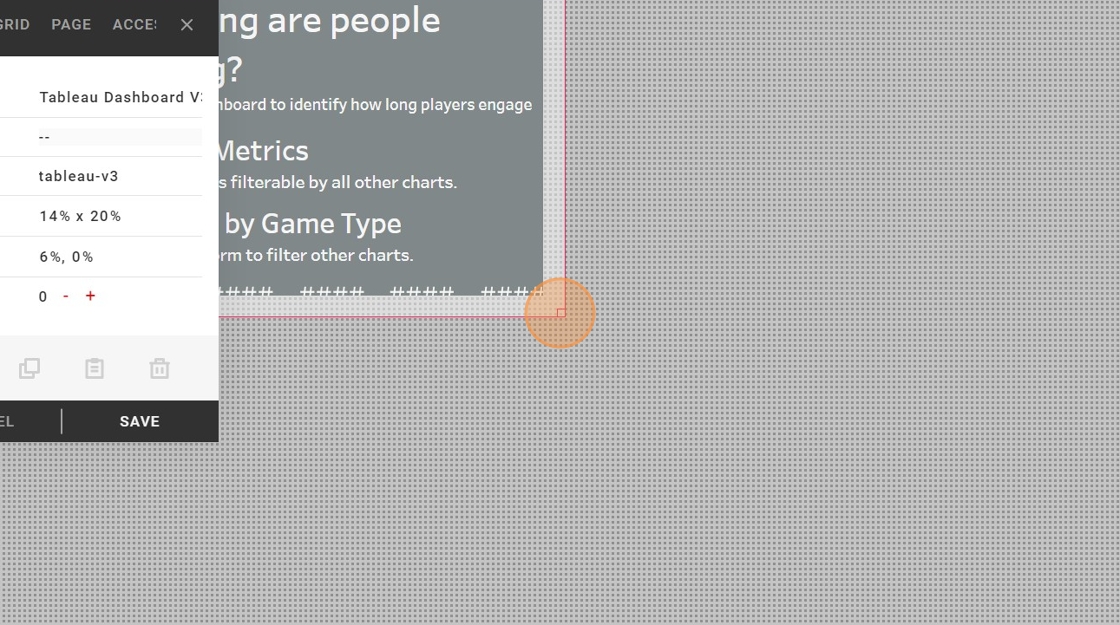
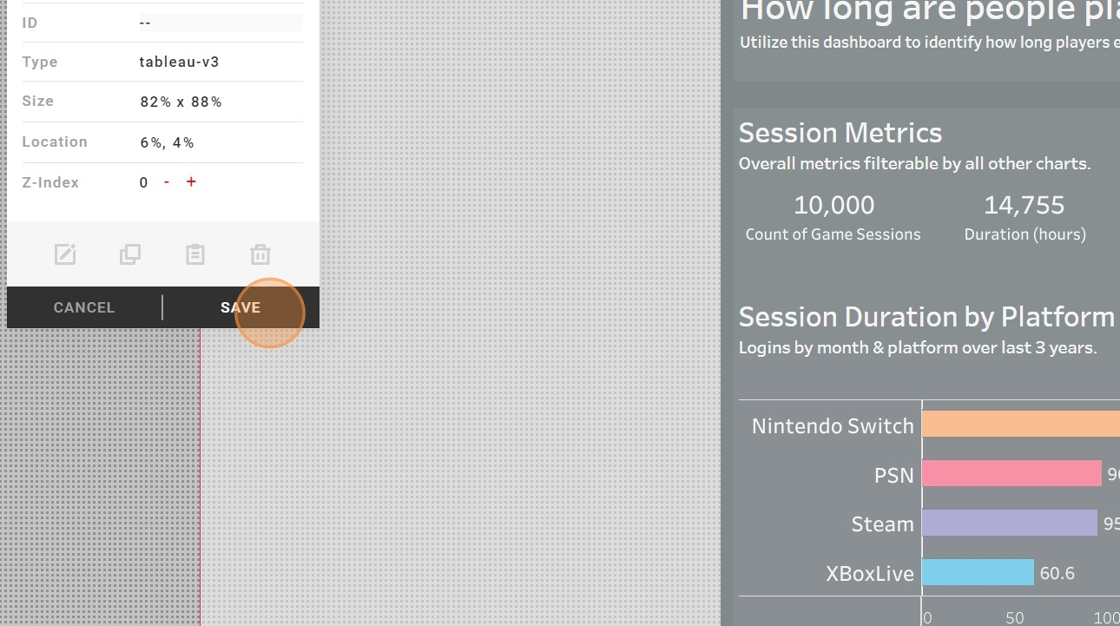
- Click "SAVE" to finalize your changes